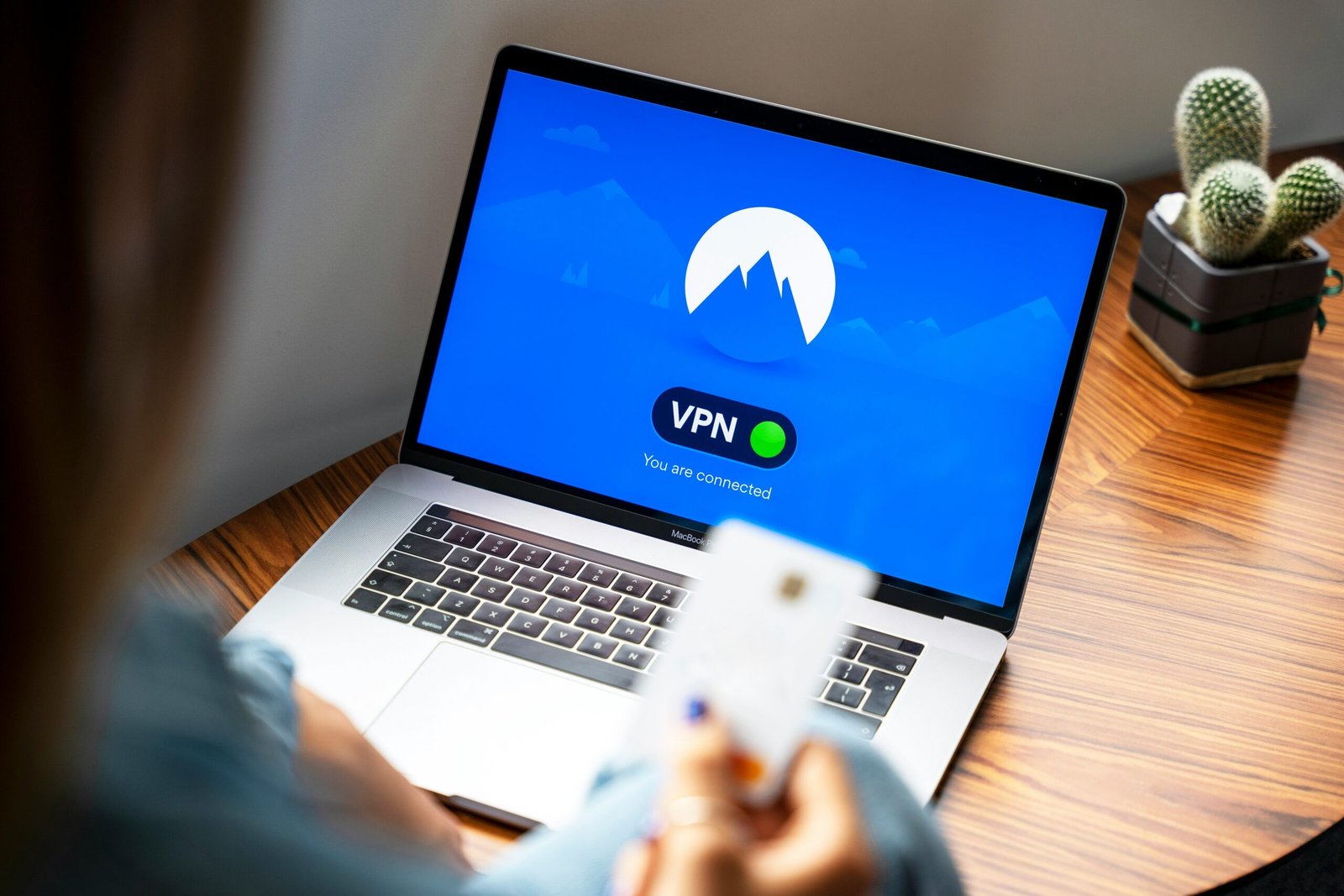

Best VPN services are important in 2026 because online privacy, secure browsing, and data protection matter more than ever. A good VPN can help you hide your IP address, protect your internet activity, access secure connections, and browse the web more safely.
Best VPN Services 2026 – Secure, Fast & Affordable
Online privacy is under threat. Internet service providers track your browsing. Hackers steal data on public Wi-Fi. Governments monitor your activity. A VPN (Virtual Private Network) solves these problems.
This guide reviews the best VPN services in 2026. We compare speed, security, privacy, pricing, and streaming capabilities.
What is a VPN and Why Do You Need One?
A VPN encrypts your internet traffic and hides your IP address. When you use a VPN:
download
- Your internet service provider cannot see what you do online
- Hackers cannot steal your data on public Wi-Fi
- You can access content blocked in your country
- Advertisers cannot track your location
Who should use a VPN:
- Frequent travelers (hotel, airport, coffee shop Wi-Fi)
- Remote workers (protect company data)
- Privacy-conscious individuals
- Streamers (access content from other countries)
- Torrent users (protect your identity)
What to Look for in a VPN
- No-logs policy: VPN must not store your activity
- Speed: Fast enough for streaming and gaming
- Server network: Many servers in many countries
- Security protocols: WireGuard, OpenVPN, IKEv2
- Kill switch: Blocks internet if VPN drops
- Split tunneling: Choose which apps use VPN
- Simultaneous connections: 5-10 devices
- Price: $3-10 per month
- Money-back guarantee: At least 30 days
Top 7 VPN Services in 2026
- NordVPN – Best Overall
Price: $3.39-4.99/month (2-year plan)
Servers: 6,000+ in 60+ countries
Simultaneous connections: 6
No-logs policy: Yes (audited)
Kill switch: Yes
Money-back guarantee: 30 days
Pros:
- Very fast (NordLynx protocol)
- Great for streaming (Netflix, Hulu, BBC iPlayer)
- Double VPN (route through two servers)
- Onion over VPN (Tor integration)
- Threat Protection (blocks ads and malware)
Cons:
- More expensive than competitors
- Mobile app can be buggy
Best for: All-around use. Streaming, privacy, speed, security.
- ExpressVPN – Fastest Speeds
Price: $6.67-12.95/month
Servers: 3,000+ in 94+ countries
Simultaneous connections: 8
No-logs policy: Yes (audited)
Kill switch: Yes
Money-back guarantee: 30 days
Pros:
- Fastest speeds (Lightway protocol)
- Largest server network (94 countries)
- Works in China
- Excellent customer support (24/7 live chat)
- Very easy to use
Cons:
- Expensive (most expensive on list)
- No ad blocker
Best for: Speed and reliability. Best VPN for streaming and gaming.
- Surfshark – Best Budget
Price: $2.49-3.99/month (2-year plan)
Servers: 3,200+ in 100+ countries
Simultaneous connections: Unlimited
No-logs policy: Yes (audited)
Kill switch: Yes
Money-back guarantee: 30 days
Pros:
- Unlimited devices (one account for entire family)
- Very affordable
- CleanWeb (blocks ads and malware)
- GPS spoofing (mobile)
- Works in China
Cons:
- Slower than NordVPN and ExpressVPN
- Smaller server network
Best for: Families and budget-conscious users. One account covers everyone.
- ProtonVPN – Best for Privacy
Price: Free (limited) or $4.99-9.99/month
Servers: 3,000+ in 70+ countries
Simultaneous connections: 10
No-logs policy: Yes (audited)
Kill switch: Yes
Money-back guarantee: 30 days
Pros:
- Free tier available (1 device, limited servers)
- Based in Switzerland (strong privacy laws)
- No-logs policy audited by Deloitte
- Secure Core (routes through privacy-friendly countries)
- Tor over VPN
Cons:
- Free tier is slow
- Paid plans are expensive for features
Best for: Maximum privacy. Best for journalists, activists, whistleblowers.
- CyberGhost – Best for Streaming
Price: $2.19-3.99/month (2-year plan)
Servers: 9,000+ in 90+ countries
Simultaneous connections: 7
No-logs policy: Yes (audited)
Kill switch: Yes
Money-back guarantee: 45 days (longest)
Pros:
- Optimized servers for streaming (Netflix, Hulu, Disney+, BBC iPlayer)
- Largest server network (9,000+)
- 45-day money-back guarantee
- Easy to use (one-click streaming)
Cons:
- Parent company collects some data
- Slower than NordVPN
Best for: Streaming fans. Optimized servers for every streaming service.
- Private Internet Access (PIA) – Best for Advanced Users
Price: $2.03-3.33/month (2-year plan)
Servers: 35,000+ in 80+ countries
Simultaneous connections: Unlimited
No-logs policy: Yes (audited)
Kill switch: Yes
Money-back guarantee: 30 days
Pros:
- Largest server network (35,000+)
- Unlimited devices
- Highly customizable settings
- Built-in ad blocking (MACE)
- Port forwarding supported
Cons:
- US-based (Five Eyes country)
- Interface looks dated
Best for: Advanced users and torrenting.
- Mullvad VPN – Most Anonymous
Price: €5/month (fixed, no discounts)
Servers: 800+ in 40+ countries
Simultaneous connections: 5
No-logs policy: Yes (audited)
Kill switch: Yes
Money-back guarantee: None (but can pay month-to-month)
Pros:
- True anonymity (no email required, pay with cash)
- Very transparent (open-source apps)
- No subscription tracking (random account numbers)
- Based in Sweden
Cons:
- Expensive (no discounts)
- Small server network
- No streaming support
Best for: Maximum anonymity. No email, no personal info required.
Comparison Table
| VPN | Price (2-year) | Servers | Countries | Devices | Best For |
|---|---|---|---|---|---|
| NordVPN | $3.39/mo | 6,000+ | 60+ | 6 | Best Overall |
| ExpressVPN | $6.67/mo | 3,000+ | 94+ | 8 | Fastest |
| Surfshark | $2.49/mo | 3,200+ | 100+ | Unlimited | Best Budget |
| ProtonVPN | $4.99/mo | 3,000+ | 70+ | 10 | Best Privacy |
| CyberGhost | $2.19/mo | 9,000+ | 90+ | 7 | Best Streaming |
| PIA | $2.03/mo | 35,000+ | 80+ | Unlimited | Advanced Users |
| Mullvad | €5/mo | 800+ | 40+ | 5 | Most Anonymous |
VPN Speed Comparison (Ranked fastest to slowest)
- ExpressVPN (Lightway protocol)
- NordVPN (NordLynx protocol)
- Surfshark (WireGuard)
- CyberGhost (WireGuard)
- ProtonVPN (WireGuard)
- PIA (WireGuard)
Streaming Compatibility
| VPN | Netflix | Hulu | Disney+ | BBC iPlayer | Amazon Prime |
|---|---|---|---|---|---|
| NordVPN | ✅ | ✅ | ✅ | ✅ | ✅ |
| ExpressVPN | ✅ | ✅ | ✅ | ✅ | ✅ |
| Surfshark | ✅ | ✅ | ✅ | ✅ | ✅ |
| CyberGhost | ✅ (optimized) | ✅ | ✅ | ✅ | ✅ |
| ProtonVPN | ⚠️ (varies) | ⚠️ | ⚠️ | ⚠️ | ⚠️ |
| PIA | ⚠️ (varies) | ⚠️ | ⚠️ | ⚠️ | ⚠️ |
✅ = Works reliably / ⚠️ = May need to switch servers
VPNs to Avoid (Free VPNs)
Do not use free VPNs. They make money by selling your data.
Avoid these:
- Hola VPN (peer-to-peer, others use your connection)
- Hotspot Shield (logs data, owned by advertisers)
- Turbo VPN (logs data, Chinese company)
- Any VPN with no clear privacy policy
If you want a free VPN, use ProtonVPN Free (limited but trustworthy).
How to Set Up a VPN
Step 1: Sign up for a VPN service
Step 2: Download the app from the VPN website
Step 3: Install the app
Step 4: Log in with your account
Step 5: Click "Connect" or "Quick Connect"
That is it. Your traffic is now encrypted.
VPN on Different Devices
Windows: All VPNs have Windows apps
Mac: All VPNs have Mac apps
iPhone/iPad: All VPNs have iOS apps
Android: All VPNs have Android apps
Linux: Some VPNs have Linux apps (NordVPN, ExpressVPN, ProtonVPN, PIA, Mullvad)
Router: Some VPNs support router installation (covers all devices on your Wi-Fi)
When Should You Use a VPN?
Always use a VPN:
- On public Wi-Fi (coffee shops, airports, hotels)
- When traveling internationally
- When torrenting files
You may want a VPN:
- At home (if you value privacy from your ISP)
- For streaming geo-blocked content
You may not need a VPN:
- On home Wi-Fi for basic browsing (ISP still sees you)
Can a VPN Be Tracked?
No. A properly configured VPN with a no-logs policy cannot be tracked. The VPN does not store your activity. Law enforcement would need to compel the VPN company, but if they keep no logs, there is nothing to hand over.
This is why choosing a VPN with a verified no-logs policy is critical.
Does a VPN Slow Down Your Internet?
Yes, but good VPNs minimize the slowdown.
Without VPN: 100% of your speed
With VPN (best): 85-95% of your speed
With VPN (average): 70-85% of your speed
With VPN (poor): 50-70% of your speed
For streaming, you need at least 25 Mbps. For gaming, you need low latency (ping) more than raw speed.
Frequently Asked Questions
Is using a VPN legal?
In most countries, yes. Some countries ban VPNs (China, Russia, Iran, Turkey, UAE). Check local laws before traveling.
Can I use a free VPN?
We do not recommend free VPNs. They log your data, sell your bandwidth, or show intrusive ads. The only trustworthy free VPN is ProtonVPN Free.
Which VPN works in China?
ExpressVPN, NordVPN, and Surfshark work in China. Always install before traveling to China. Many VPNs are blocked.
Can I use a VPN for Netflix?
Yes. NordVPN, ExpressVPN, Surfshark, and CyberGhost work reliably with Netflix.
Can I use a VPN on my phone?
Yes. All major VPNs have iPhone and Android apps.
What is a kill switch?
A kill switch blocks your internet if the VPN connection drops. This prevents your real IP address from being exposed.
Conclusion
Best VPN for most people: NordVPN
Best for speed: ExpressVPN
Best for budget: Surfshark
Best for privacy: ProtonVPN
Best for streaming: CyberGhost
Start with NordVPN or Surfshark. Both offer 30-day money-back guarantees. Try them risk-free.
Your online privacy is worth a few dollars per month.